Search Gift Received
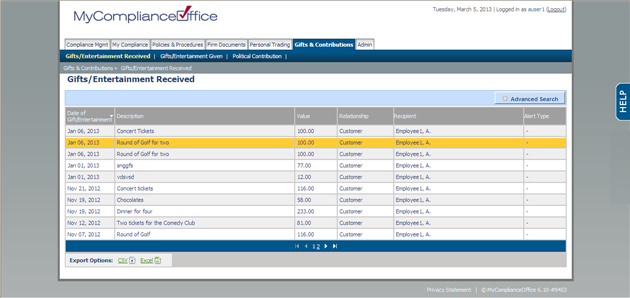
1. Select the Gifts & Contributions tab at the top of the screen and the Gifts Received menu option underneath the tabs.
 l
l
2. Click Advanced Search to expand the search window.
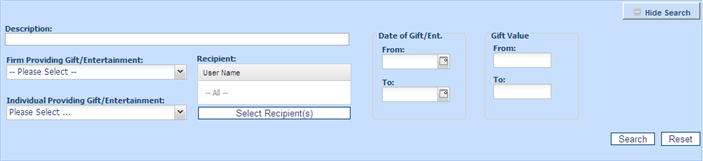
3. Change any of the fields to narrow the search criteria
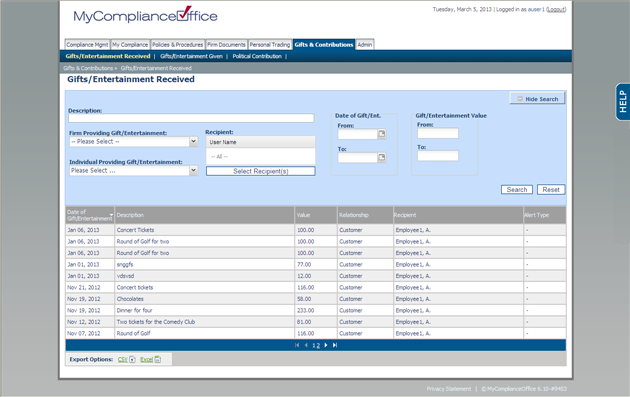
4. Click on  .
.
5. Click on  to revert back to the default values and the default view of all tasks, or to initiate a new search.
6. Click on  to close the search window.
Created with the Personal Edition of HelpNDoc: Produce Kindle eBooks easily